 PattyShop
Shared in real time
Someone ticks milk in the aisle, everyone else sees it tick. No refresh, no “did you get it?” text.
For the whole household
Shopping, pantry, recipes, and cooker presets in one place — shared in real time with whoever you live with. Open a link. Add it to the home screen if you want.
Shopping
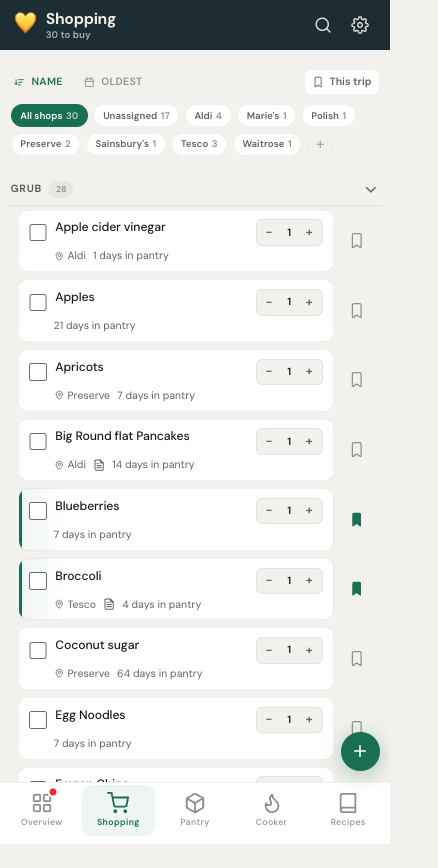
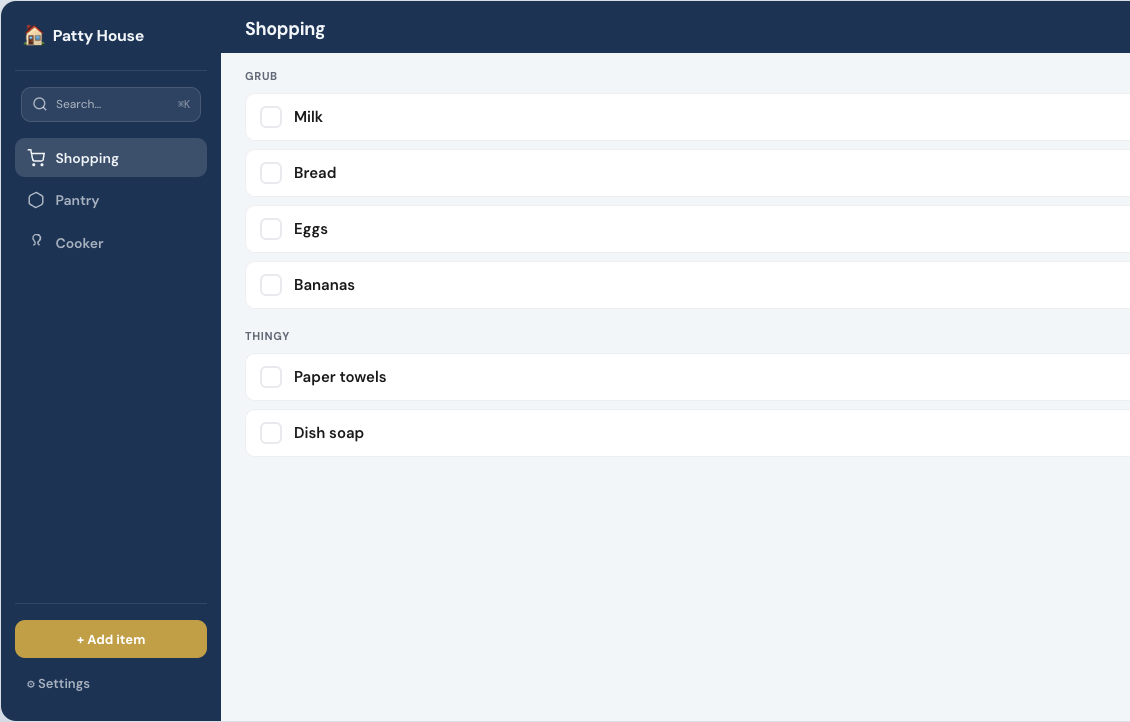
Grub and Thingy, recurring or one-time, filter by shop. Mark something bought and it moves — recurring items go to the pantry, one-offs sit in Recently Bought.
Pantry
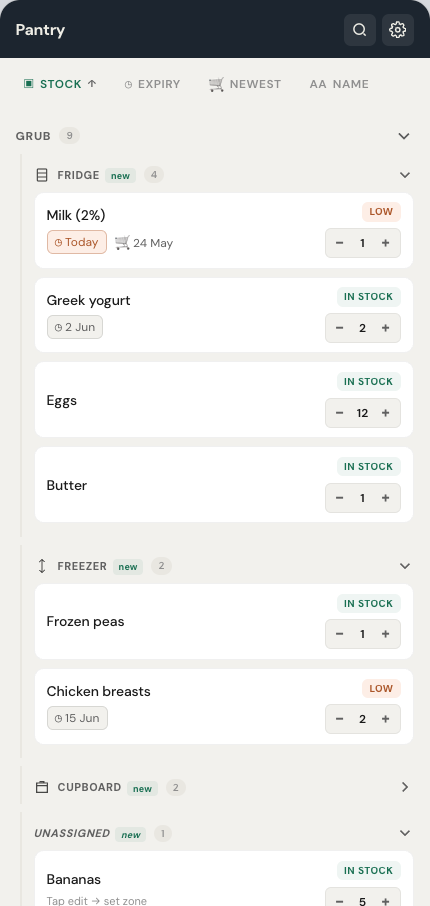
Fridge, freezer, cupboard, and the extra zones you add. Low stock and expiry sit at the top. When something runs out, it can hop back onto the shopping list.
Recipes & cooker
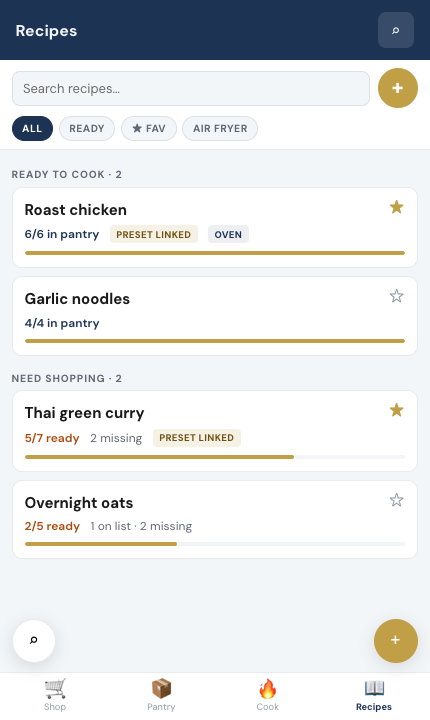
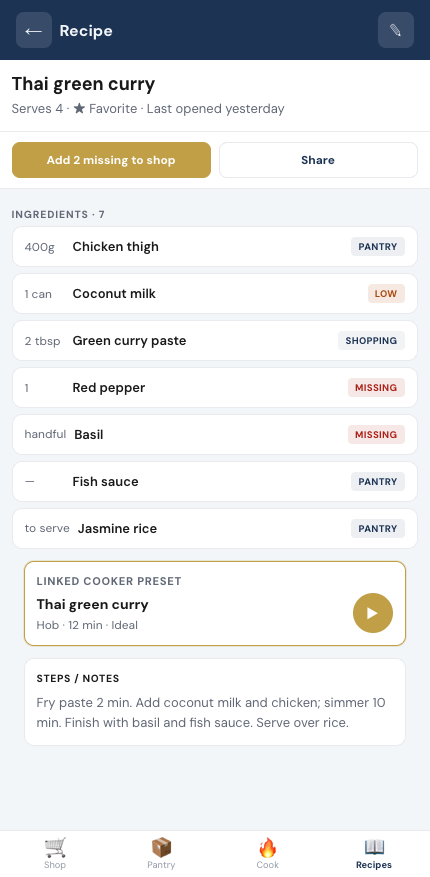
Ingredients link to what you already track. Ready to cook, or missing two things — add those to the list in one tap. Link a cooker preset when you want the timer too.
Overview
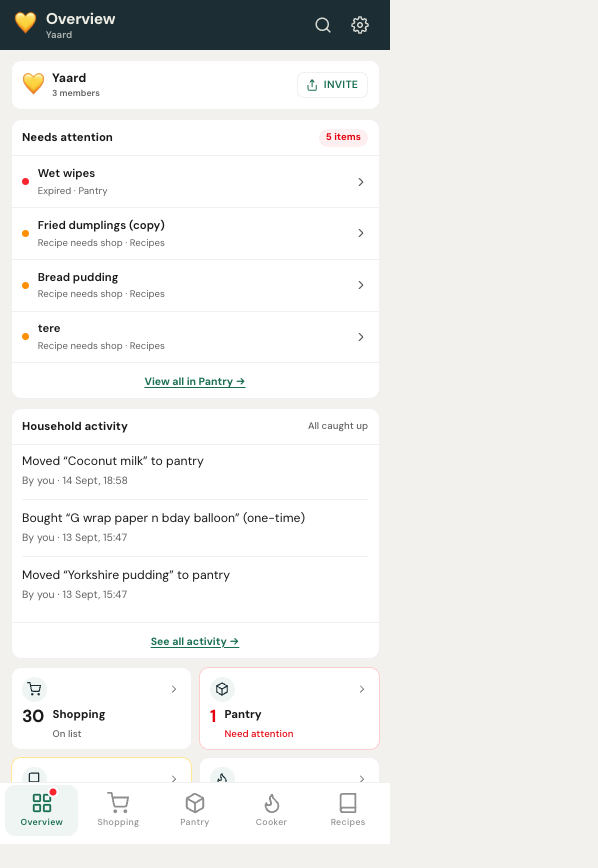
Overview shows what needs a look: expired stock, recipes short of ingredients, the shopping count, and who last changed the list.
Why households keep it
Everything below works on day one, on whatever screen is closest.
Someone ticks milk in the aisle, everyone else sees it tick. No refresh, no “did you get it?” text.
Fridge, freezer, cupboard, and any zone you add. Low stock and expiry float to the top.
Ingredients link to what you track, so a recipe says ready to cook or names what is missing.
Save the timing you actually use, attach it to the recipe, and skip the guesswork next time.
Open a link. Add it to the home screen if you want it full screen and offline in the shop.
Your list is your household’s. Nothing is sold, mined, or fed to a model.
Phone in the aisle. Tablet on the counter. Desktop when you are planning the week.
How it works
Ten minutes, once, and the household is on the same list.
Sign up with email. You get an invite code to send to family or roommates.
Add one name or paste several. Mark recurring items so they return to the pantry when bought.
Quantities in the pantry, recipes that know what is missing, cooker presets when you repeat a meal.
Changes show up for every member. Add PattyShop to the home screen if you want it offline in the shop.
Questions
More detail lives in the documentation.
No. PattyShop runs in the browser. If you want it full screen and available offline in the shop, add it to your home screen — that is the whole install.
Everyone you live with. Each person signs up with their own account and joins with the household invite code.
Yes. The same household, the same list, with a sidebar layout on wide screens.
The core is free forever for you and one other person — shopping, pantry, cooker, overview and search, with no card and no trial countdown. Premium adds unlimited household members and more, for the whole household rather than per person.
Free account. Invite someone you live with. No store listing, no ads, no AI — just the list, the cupboard, and what you are cooking.
A bug, an idea, or a short review — whatever helps make PattyShop better.